Does Cookout Take Apple Pay in 2026? Payment Methods Explained
Yes, at many stores. Cook Out takes Apple Pay wherever the store has a tap-to-pay card reader, and Apple Maps lists many Cook Out stores as accepting it. Every store takes cash, so keep a backup just in case.
- Tap-to-pay storesApple pay
- Every storeCash
- Most storesCards
- NoneApp
Have you ever pulled up to a Cook Out, ready for a tray or a milkshake, and realized you left your wallet at home? You are not alone. Many people now pay with their phone, so the big question is simple. Does Cookout take Apple Pay?
The short answer is yes at many stores, but not every one. Below we explain how it works at the counter and the drive-thru, how to check your store before you go, and every other way you can pay at Cook Out.
Quick answer: Yes, many Cook Out stores take Apple Pay. It works at stores with a tap-to-pay card reader, at the walk-up window or the drive-thru. When we filtered Apple Maps for “Accepts Apple Pay” around Raleigh, NC, 13 Cook Out stores showed up (October 2026). Every Cook Out takes cash, and most take credit and debit cards, Google Pay and Samsung Pay.
Does Cookout Take Apple Pay?
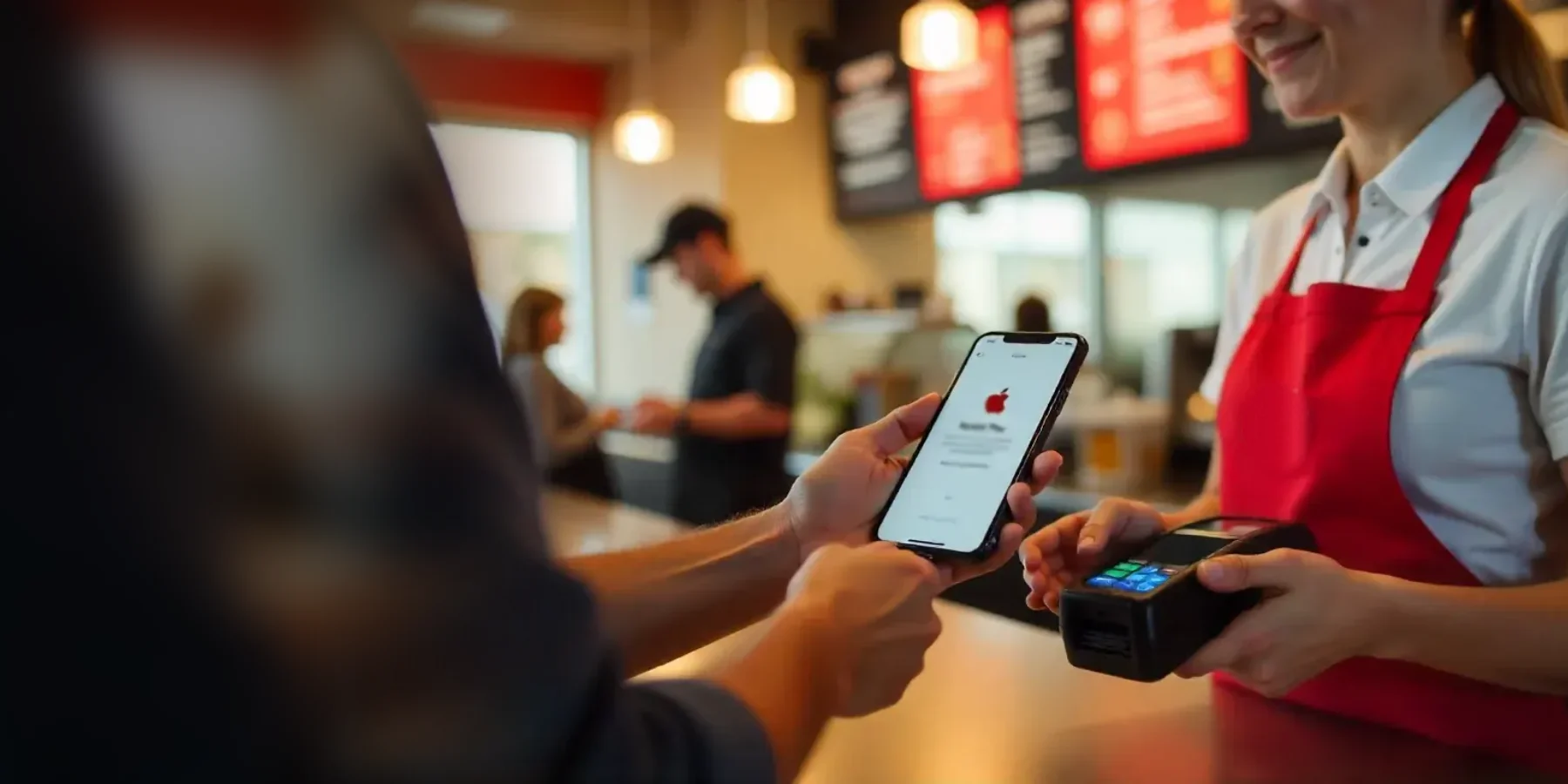
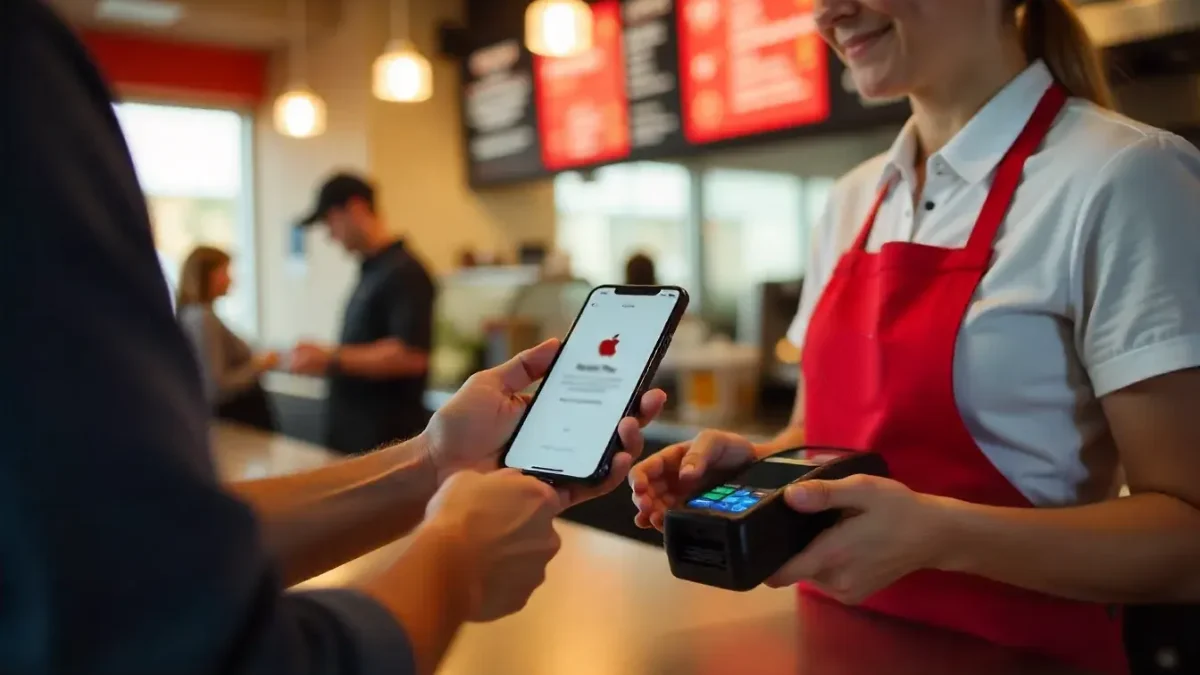
Yes, at many stores. Apple Pay works at any Cook Out with a contactless card reader, the same reader that lets you tap a credit or debit card. Since each store has its own reader, some may not take a tap, so it is smart to check first or carry a backup.
| Where You Pay | Apple Pay? | Good to Know |
|---|---|---|
| Walk-up window or counter | Yes, at tap-to-pay stores | Hold your iPhone or Apple Watch near the reader |
| Drive-thru | Yes, at tap-to-pay stores | Ask the crew for the reader at the window |
| Delivery apps | Pay in the app | Only a few Cook Out stores can be ordered on apps |
| Cook Out website or app | Not possible | Cook Out has no app or online ordering |
Photo for illustration.
How to Check If Your Cook Out Takes Apple Pay
Cook Out doesn’t list payment options on its website, so use one of these quick checks.
- Apple Maps: search “Cook Out,” then tap the “Accepts Apple Pay” filter. Stores that take it stay on the map.
- Look for the tap symbol: the reader at the window shows a contactless symbol, four curved lines, or an Apple Pay logo.
- Ask the crew: the cashier can tell you right away.
- Call ahead: find your store’s address on our Cookout Locations page.
Apple Maps check done for the Raleigh, NC area in October 2026. Apple Maps listings can change.
How to Use Apple Pay at Cookout
- Add your card. Open the Wallet app on your iPhone and add a debit or credit card.
- Order your food. Pick a tray, burger or shake from the Cookout menu and order at the window or drive-thru.
- Tell the crew you want to tap to pay. They will show you the card reader.
- Double-click the side button. Confirm with Face ID, Touch ID or your passcode.
- Hold your iPhone near the reader. Wait for the check mark and “Done,” then grab your food.
With an Apple Watch, double-click the side button and hold the watch face near the reader. You don’t need your iPhone with you.
Does Cookout Take Apple Pay at the Drive-Thru?
Yes, at stores with a tap-to-pay reader. Most Cook Out stores are built around two drive-thru lanes and a walk-up window, so the drive-thru is where most people pay. Hold your phone near the reader the crew offers you.
If the reader can’t take a tap, pay with your physical card or cash. Cook Out is open late, so a quick backup plan helps on a 2 AM run. See our Cookout Hours guide.
Every Way to Pay at Cook Out
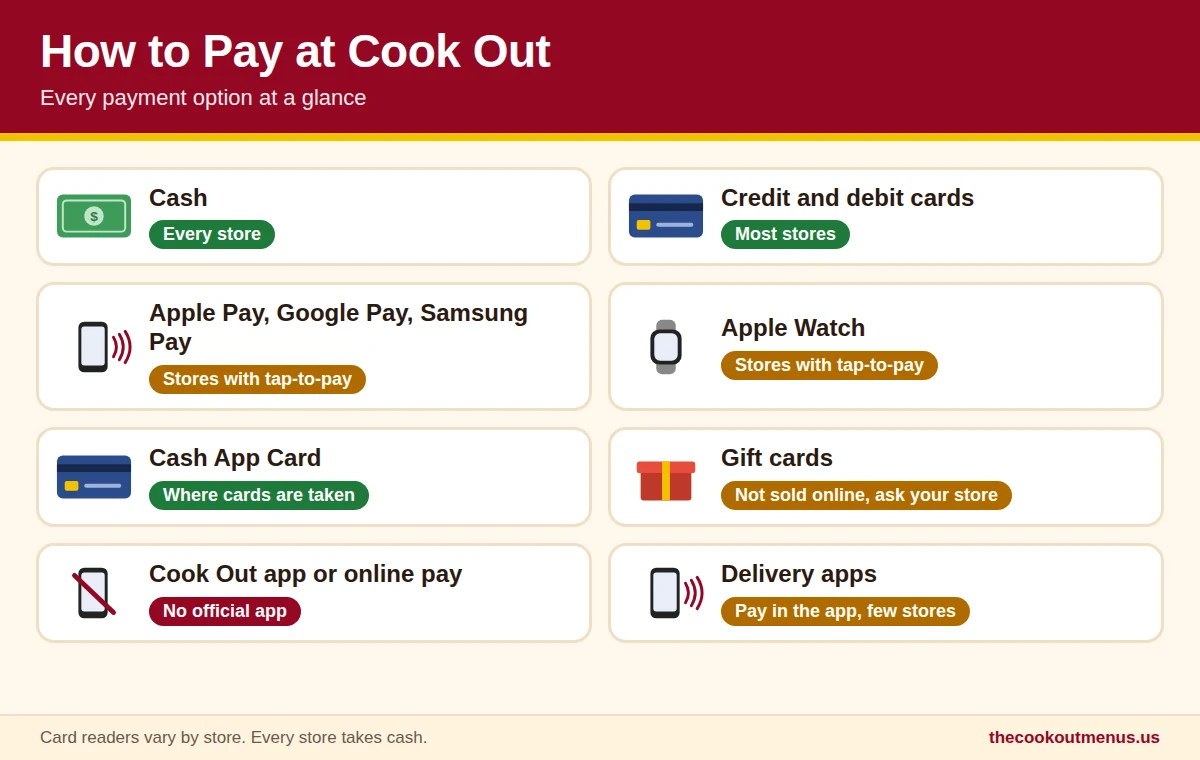
| Payment Method | Accepted? | Notes |
|---|---|---|
| Cash | Yes, every store | The surest way to pay |
| Credit and debit cards | Yes, most stores | Swipe, insert or tap |
| Apple Pay | Stores with tap-to-pay | iPhone or Apple Watch |
| Google Pay | Stores with tap-to-pay | Android phones with NFC |
| Samsung Pay | Stores with tap-to-pay | Samsung phones and watches |
| Cash App Card | Yes, where cards work | Works like a Visa debit card |
| Gift cards | Not sold online | Ask your store |
Matches the payment table on our Cookout menu page. See what to give instead of a gift card on our Cookout Gift Cards guide.
Why Apple Pay May Not Work at Every Cook Out
- No contactless reader. Apple Pay needs a reader that supports NFC, the short-range signal used for tap payments. A store with an older reader can only take a swipe or chip.
- The reader is down. On a busy night, a reader can stop working for a while. Cash always works.
- Your phone is not set up. Make sure your card is in Wallet and that your bank supports Apple Pay.
- A thick case. Hold the top of your iPhone close to the reader for a second or two.
Benefits of Using Apple Pay at Cookout
| Benefit | Why It Helps |
|---|---|
| Fast | No digging for cash or waiting for change |
| Private | Apple Pay uses a device number, so your real card number is not shared with the store |
| Contactless | Nothing to hand over at the window |
| No extra fees | Apple doesn’t charge you to use Apple Pay |
| Same card rewards | You still earn your card’s usual points or cash back |
Paying for Cook Out Delivery
Cook Out doesn’t run its own delivery. In the few places you can order it, you pay through the delivery service, and apps like DoorDash and Uber Eats accept Apple Pay at checkout. See where it works on our Cookout Delivery guide.
Plan Your Order
A Cookout Tray with a main, 2 sides and a drink costs about $7.99, and milkshakes run about $2.79 to $3.99. Build your order on our Cookout Tray Menu, compare Cookout burgers or pick from 40+ flavors on our Cookout Milkshake Menu.
Useful Links
| Fact | Detail |
|---|---|
| Head Office | 15 Laura Lane, Suite 300, Thomasville, NC 27360, USA |
| Phone Number | 1-866-547-0011 |
| instagram.com/cookout | |
| facebook.com/cookout | |
| x.com/CookOut | |
| About Cook Out | cookout.com/company |
| Official Website | cookout.com |
| Full Menu With Prices | Cookout menu with prices |
| Locations | Cookout locations |
| Employment | Cookout careers |
Frequently Asked Questions
Conclusion
Cook Out takes Apple Pay at many stores, at the window and the drive-thru, as long as the store has a tap-to-pay reader. A quick look at Apple Maps or a question to the crew tells you for sure, and cash works everywhere if you need a backup.
Next time you head out, check the Cookout hours and plan your tray, then just tap and enjoy.